

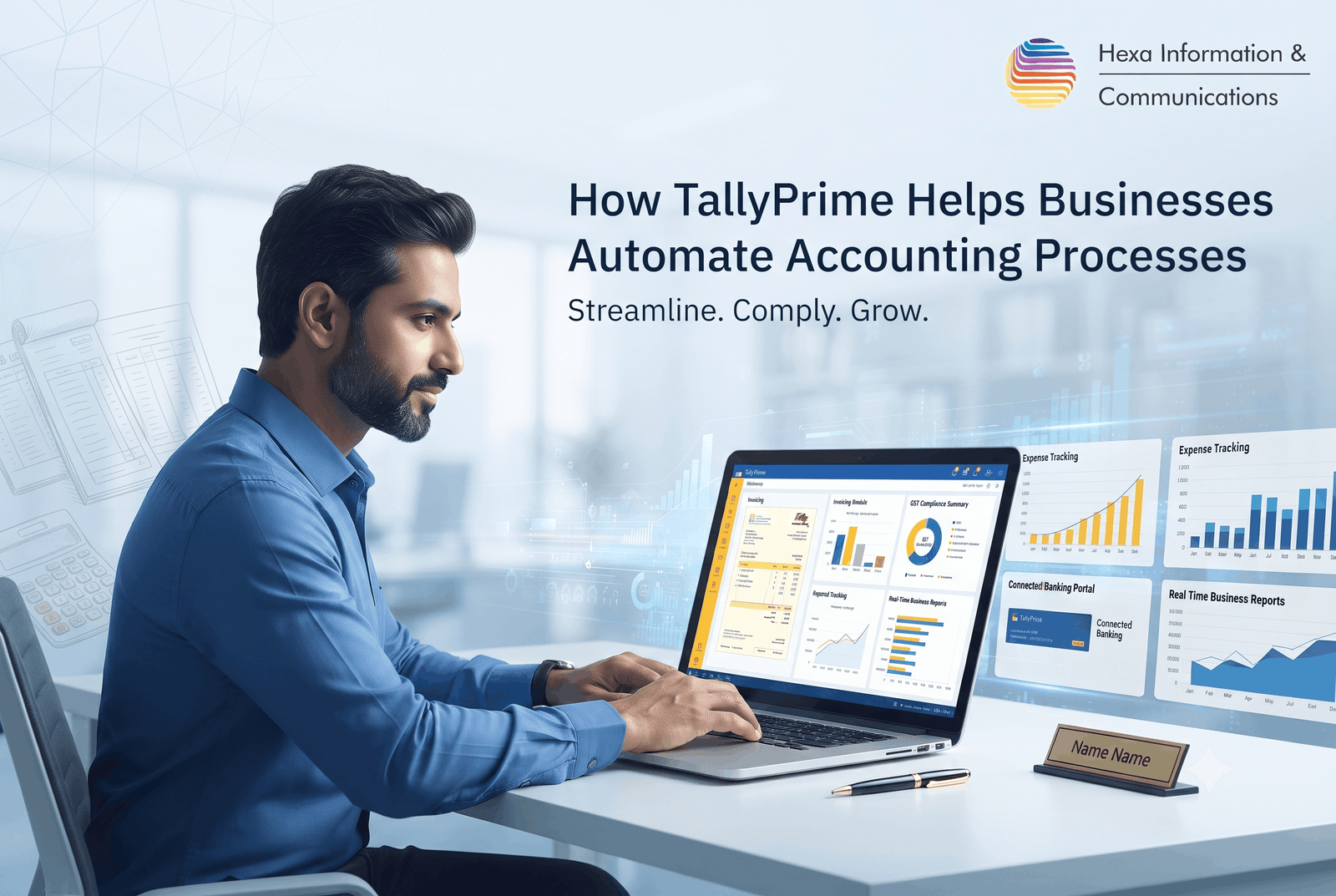
Managing accounts manually can quickly become challenging as a business grows. Invoices increase, payments need tracking, expenses must be recorded, taxes must be calculated, and financial reports must be prepared accurately. When these activities depend heavily on spreadsheets and repetitive data entry, even a small mistake can create unnecessary work.
This is where TallyPrime accounting software can make a practical difference. It brings accounting, invoicing, inventory, taxation, banking, and reporting into one business-focused platform, helping businesses reduce repetitive tasks and make financial information easier to manage.
But what does TallyPrime accounting automation actually mean in day-to-day business operations? Let’s look at how it works and where it can help.
What Is Accounting Automation?
Accounting automation means using software to reduce repetitive manual accounting activities. Instead of entering and calculating everything separately, accounting software can handle several connected processes based on the information entered by the user.
For example, when a business creates a sales invoice, the same transaction can contribute to accounting records and reports without requiring the accountant to enter the information repeatedly.
The goal isn’t to remove accountants from the process. Rather, accounting automation with TallyPrime helps accountants spend less time on repetitive data entry and more time reviewing information, analysing financial performance, and supporting business decisions.
How TallyPrime Automates Accounting Processes
So, how does TallyPrime automates accounting processes in a real business environment?
The answer lies in the way different business functions are connected.
1. Faster Invoicing and Sales Recording
Creating invoices is one of the most frequent activities for many businesses. Preparing them manually, maintaining records separately, and then updating accounting books can consume considerable time.
With TallyPrime, businesses can create sales invoices and maintain the related accounting records within the same system.
Depending on the business setup, users can manage details such as:
- Customer information
- Products and services
- Quantities and prices
- Taxes
- Discounts
- Payment information
- Sales transactions
This reduces duplicate data entry and helps maintain more consistent records.
2. Reducing Repetitive Data Entry
Repeatedly entering the same information is not only time-consuming; it can also increase the possibility of human errors.
One of the practical benefits of automating accounting with TallyPrime is that information entered into one business transaction can flow into relevant accounting records and reports.
For example, recording a purchase transaction can affect purchase accounts, supplier balances, inventory records, and financial reporting, depending on the configuration.
This interconnected approach makes everyday accounting more efficient.
3. Simplifying GST and Tax-Related Accounting
Tax compliance is an important part of business accounting in India. Businesses need to maintain accurate transaction records and ensure that applicable taxes are properly accounted for.
TallyPrime provides tools for GST-related accounting and reporting, helping businesses maintain structured transaction information.
Instead of maintaining separate records for every aspect of a transaction, businesses can manage accounting and taxation information within the same system.
However, businesses should still review tax information and comply with the latest applicable regulations rather than relying solely on software.
4. Easier Bank Reconciliation
Bank reconciliation can become tedious when businesses have a large number of transactions.
TallyPrime provides banking and reconciliation capabilities that can help users compare accounting records with bank transactions and identify differences.
This can make it easier for accountants to identify:
- Missing transactions
- Unmatched entries
- Differences between books and bank records
- Pending transactions
- Reconciliation issues
The result is a more organised approach to maintaining financial records.
5. Automated Inventory and Accounting Connection
For businesses that sell physical products, accounting cannot be separated from inventory.
A sale affects not only revenue but potentially stock levels and other accounting information. Similarly, purchases can affect both inventory and supplier-related accounts.
One of the useful TallyPrime features for businesses is the ability to connect inventory management with accounting processes.
This can help businesses understand:
- What products were purchased
- What products were sold
- Current stock levels
- Stock movement
- Sales performance
- Purchase transactions
This is particularly useful for retailers, distributors, wholesalers, and trading businesses.
6. Quick Access to Financial Reports
Business owners don’t just need accounting data—they need to understand what the numbers are saying.
TallyPrime provides financial and business reports that can help users review information such as:
- Profit and loss
- Balance sheet
- Outstanding receivables
- Outstanding payables
- Cash and bank balances
- Sales
- Purchases
- Inventory
- Expenses
- Tax-related information
Instead of waiting for an accountant to manually prepare every report, business owners can access relevant information from the system based on their permissions and configuration.
This is one reason TallyPrime for business accounting can be useful beyond basic bookkeeping.
7. Better Management of Receivables and Payables
Late payments can create cash-flow problems, particularly for small and growing businesses.
TallyPrime can help businesses maintain customer and supplier balances and track outstanding amounts.
For example, management can use reports to identify:
- Which customers have outstanding payments
- How much is receivable
- Which suppliers need to be paid
- How long amounts have remained outstanding
This gives business owners better visibility into working capital and helps them follow up on payments more systematically.
8. Making Business Reports More Accessible
Traditional accounting often involves collecting information from multiple files before preparing a management report.
With TallyPrime business management software, accounting and business information can be organised within a single system.
Business owners can use reports to answer practical questions such as:
- How much did we sell this month?
- Which customers owe us money?
- What are our major expenses?
- How much stock do we have?
- Are our sales increasing?
Having this information readily available can support faster business decisions.
How TallyPrime Helps Accountants and Business Owners
The value of accounting automation is different for different users.
For accountants
TallyPrime can help accountants reduce repetitive work, organise transactions, prepare reports, reconcile accounts, and manage accounting information more efficiently.
This allows accountants to spend more time on activities that require professional judgement rather than repeatedly entering the same information.
For business owners
Business owners can benefit from improved visibility into financial and operational information.
Instead of depending entirely on manually prepared statements, they can review relevant reports and understand the current position of the business.
This explains how TallyPrime helps accountants and business owners work more efficiently together.
Key TallyPrime Automation Features Businesses Can Use
The exact features a business uses will depend on its requirements, but common areas include:
| Business activity | How automation can help |
|---|---|
| Sales invoicing | Faster invoice creation and recording |
| Purchase accounting | Structured supplier and purchase records |
| GST accounting | Easier tax-related transaction management |
| Bank reconciliation | Helps compare books with bank transactions |
| Inventory | Connects stock information with business transactions |
| Receivables | Tracks customer outstanding amounts |
| Payables | Helps monitor supplier balances |
| Financial reporting | Faster access to business reports |
| Expense management | Organises business expenses |
| Business analysis | Provides information for decision-making |
These TallyPrime automation features can work together rather than functioning as isolated tools.
Is TallyPrime Suitable for Small Businesses?
Yes, TallyPrime can be useful for small and medium-sized businesses that want to move away from fragmented accounting processes.
A small business may begin with basic invoicing and bookkeeping. As it grows, its requirements may expand to include inventory, GST, payroll, multiple users, banking, and more detailed reporting.
Using an accounting system from the beginning can make it easier to organise financial information as transaction volumes increase.
The important point is to configure the software according to the business’s actual processes rather than trying to automate everything without understanding the underlying accounting workflow.
Automation Does Not Mean “Set It and Forget It”
One common misconception about accounting automation is that once software is installed, accounting becomes completely automatic.
In reality, good automation still requires accurate data, proper configuration, regular reconciliation, and professional review.
For example, if incorrect information is entered into the system, automation can make the wrong information available faster—but it cannot automatically determine whether the original business decision or entry was correct.
Therefore, businesses should combine software automation with appropriate accounting controls and human oversight.
How Businesses Can Get More Value from TallyPrime
To get better results from TallyPrime, businesses should first identify repetitive accounting activities.
A practical approach is:
- Identify manual accounting tasks.
- Find where duplicate data entry occurs.
- Standardise customers, suppliers, products, and ledgers.
- Configure appropriate tax and accounting settings.
- Establish consistent invoicing procedures.
- Use relevant financial and management reports.
- Reconcile bank and accounting records regularly.
- Review user permissions and accounting controls.
- Train employees on the correct workflow.
- Regularly review whether the system is meeting business requirements.
This approach makes automation a business process improvement rather than simply a software installation.
Choosing the Right TallyPrime Support
Software is only one part of successful accounting automation. Proper implementation, configuration, training, and ongoing support can make a significant difference.
Businesses looking for Tally Prime solutions in Ahmedabad may consider working with an experienced local Tally service provider that understands their accounting and operational requirements.
Similarly, businesses searching for Tally Prime support in Ahmedabad should look for support that goes beyond basic troubleshooting and can assist with configuration, user training, reporting, and business-specific requirements.
For businesses evaluating a Best Tally partner in Ahmedabad, it is useful to consider factors such as implementation experience, support responsiveness, understanding of business workflows, customisation capabilities, and post-implementation assistance.
Hexa Information & Communications can help businesses evaluate their TallyPrime requirements and identify suitable solutions based on their accounting and business processes.
Final Thoughts
Accounting automation is not simply about entering fewer transactions. It is about creating a more connected and organised financial workflow.
With TallyPrime accounting software, businesses can streamline activities such as invoicing, accounting, inventory management, bank reconciliation, taxation, outstanding tracking, and financial reporting.
The biggest benefit is that accountants and business owners can spend less time dealing with repetitive administrative work and more time understanding the financial health of the business.
For companies considering TallyPrime accounting automation, the right approach is to start with their existing workflow, identify repetitive tasks, configure the software accordingly, and maintain proper human oversight.
When implemented thoughtfully, TallyPrime can become more than an accounting tool—it can support a more efficient and informed way of managing everyday business operations.